
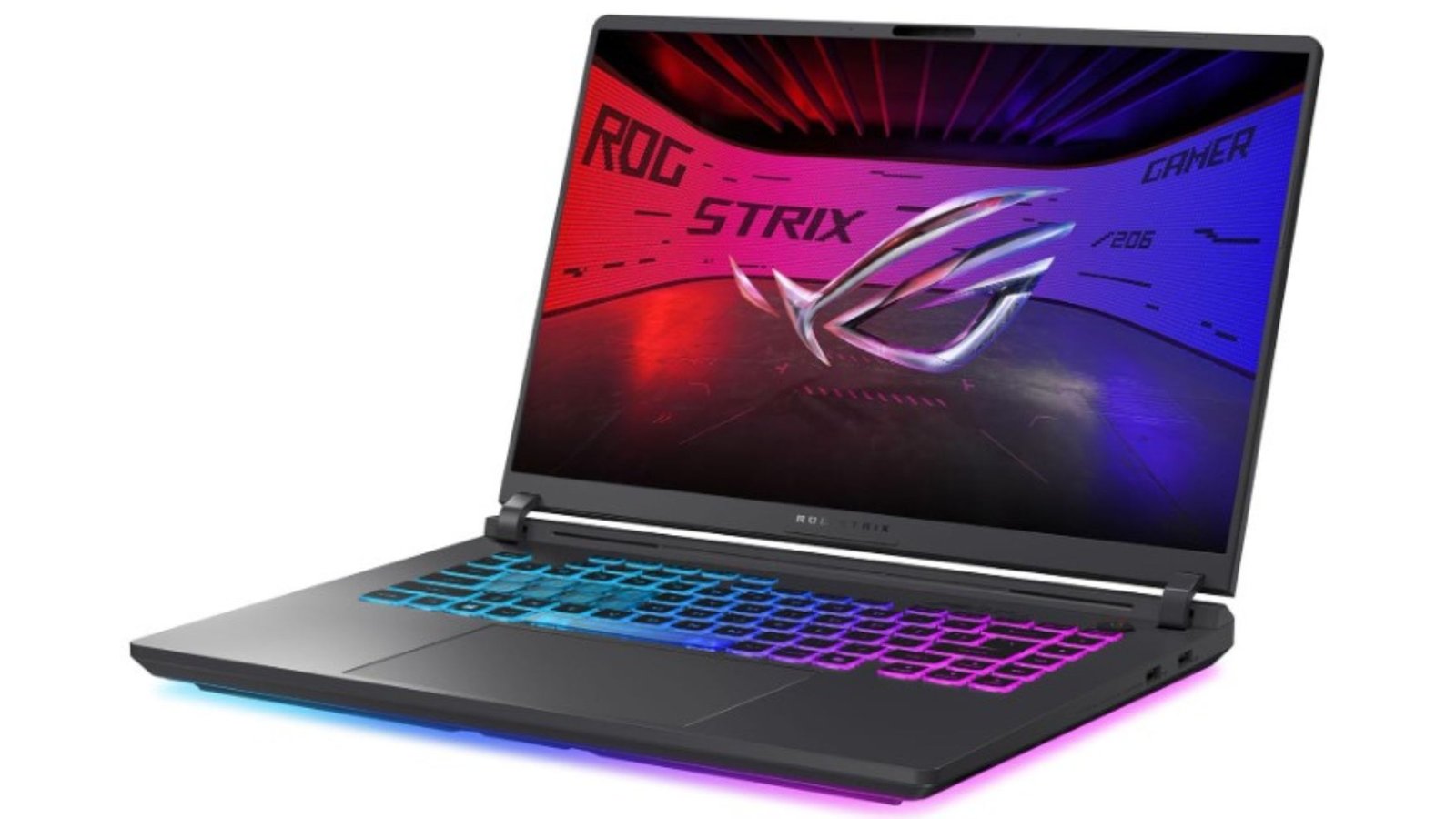
Gaming laptops are getting better at walking the line between raw performance, portability, and style—and the ASUS ROG Strix G16 (2025) is a great example. With a 16-inch 165 Hz display, capable GPU, and a design made for gamers, it promises strong all-round use. But does it deliver in real life? In this ASUS ROG Strix G16 review (2025), we explore how this gaming laptop delivers a balance of power, portability, and gaming flair for enthusiasts and casual gamers alike.
Design and Build: ASUS ROG Strix G16 Review
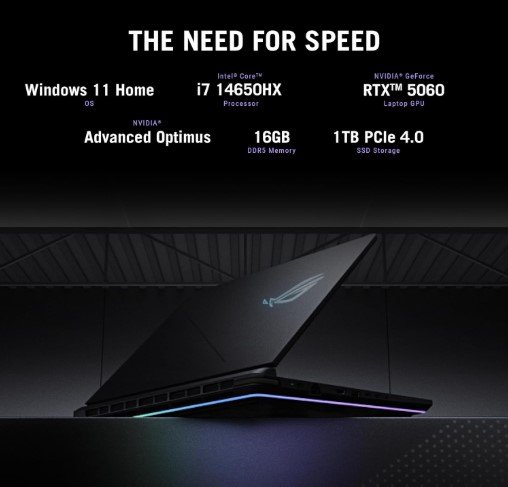
From the product info and ASUS’s official details, here are the standout specs for the Strix G16 (2025):
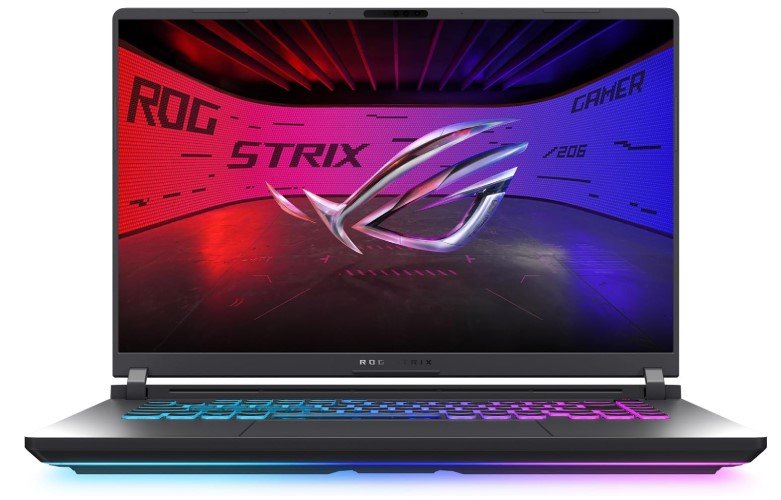
Display: 16-inch FHD+ (likely 16:10 aspect ratio), 165 Hz refresh rate, 3ms response time.
Processor: Intel Core i7-14650HX (16 cores, high performance) in many configurations.
Graphics: NVIDIA GeForce RTX 5060 (8 GB) in current main SKU.
Memory & Storage: Comes with 16 GB DDR5 RAM, 1TB Gen 4 SSD. Expandable in many variants.
Connectivity & Extras: WiFi 7, modern ports, good build quality.
What Reviewers & Users Like
Here are the strengths as reported by tech reviewers and user feedback:
Strong Gaming Performance for the Price — Users report smooth frame rates in eSports titles and many modern games, especially when using 1080p or 165Hz.
Good Displays / Smooth Visuals — The 165 Hz panel and fast response times are appreciated. Motion looks good, less blur.
Upgradability & Cooling — Some versions allow upgrades, and cooling performs fairly well under load according to reviews (fans audible but controlled).
Balanced Build & Portability — It’s not ultra-light, but many buyers like that it’s more portable than bulkier desktop replacements. Fits in backpacks, etc.
What Customers / Reviewers Note as Drawbacks
Here are the trade-offs people mention:
Battery Life is Limited — Gaming laptops with high refresh panels and powerful CPUs tend to consume a lot; on battery, performance drops and runtime is shorter.
Noise & Thermal Output Under Load — While cooling is good, under heavy gaming or workloads, fans ramp up and chassis heat becomes noticeable.
16 GB RAM in many base models may feel modest — For some advanced gaming or multitasking, users might want more RAM. Fortunately, there are upgrade paths.
Trade-offs in aesthetic features / RGB — Compared to more premium “Scar” line models, this Strix version may have fewer flashy RGB features or premium lid lighting. Some reviewers see this as acceptable for the pricing.
Who This Laptop Is For
Here are scenarios where the ROG Strix G16 (2025) does especially well—and where you might find better options elsewhere.
| Ideal For | Maybe Consider Another Option If… |
|---|---|
| • You want a capable gaming laptop that delivers smooth visuals (165 Hz) without breaking the bank. • You sometimes work, stream, or do creative work, so you need both performance + decent display. • You value portability enough to carry it around, but still want power. | • You need extreme performance (RTX 5070 Ti / RTX 5080 or higher) for ultra-settings at 1440p+ or ray tracing heavy titles. • You want long battery life above all else. • You want flashy RGB / premium all-metal builds or the highest tier lighting features. |
Verdict
The ASUS ROG Strix G16 (2025) is a very good choice if you want strong gaming performance, solid visuals, and a well-rounded build without the top-tier premium price. It delivers more than what many entry gaming laptops offer, but you’ll pay more for “future-proof” power.
If I were you, I’d choose this model if gaming + occasional productivity is your workflow, and portability is somewhat important. But if your budget allows, look at models with upgraded GPU or RAM to stretch better for upcoming titles.
FAQ
Q1: Is 165 Hz worth it?
A1: Absolutely, for gaming and smoother visuals. If you’re playing fast-paced games (FPS, racing), you’ll notice the difference vs 60 Hz. It also helps with overall UI responsiveness.
Q2: Can I upgrade the RAM / SSD?
A2: Yes in many versions. The Strix G16 often allows upgrading RAM and adding or swapping SSDs, which is useful if you want more memory down the line.
Q3: Does it heat up under load?
A3: Yes, under heavy gaming or extended use, the thermal and fan noise increases. But ASUS has designed decent cooling, and many users say it’s manageable — using performance profiles helps.
Q4: How’s build quality and portability?
A4: It has a good build, solid material, decent weight for what it packs. Not ultra-light, but not overly bulky either. Good compromise if you travel or carry it around. Users mention backpack compatibility.
Q5: Is this a good laptop for creative work (editing, streaming)?
A5: Yes, for casual to mid-level creative work. The GPU and CPU handle video editing, streaming, multitasking well. If you heavily edit 4K video or want maximum rendering speed, a higher GPU or more RAM might be worth investing in.